 TalkChinese AI
Food Chinese
Order food in Chinese without freezing at the counter.
From a busy noodle shop to a night-market stall, ordering becomes much easier when you know how to ask what is available, make a choice, and confirm a detail.
Practice this food chinese conversation in the app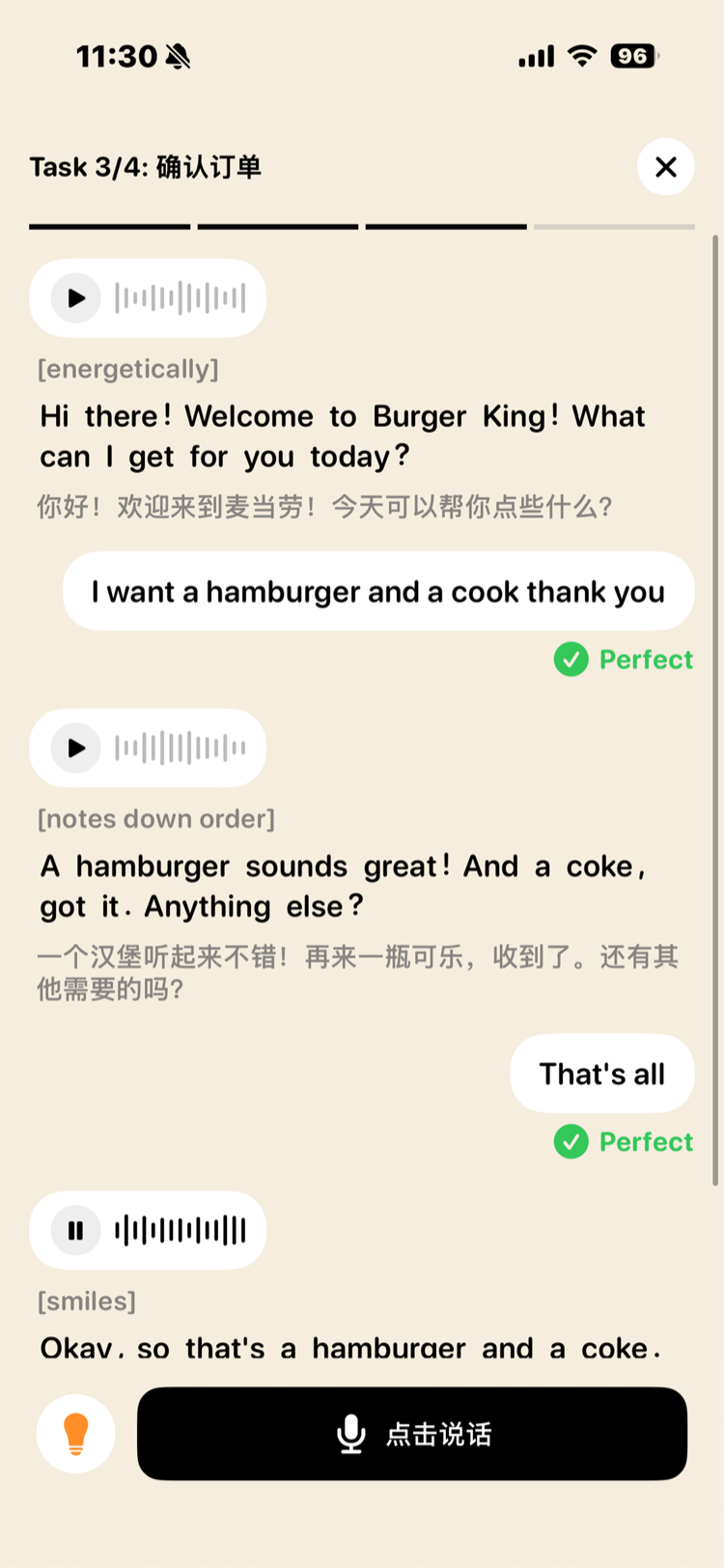
Words to use when this really happens
Ask what is available
有什么推荐的吗?(yǒu shén me tuī jiàn de ma?) means “What do you recommend?” It is a natural opening when a menu feels overwhelming.
Place your order
我要这个 (wǒ yào zhè ge) means “I would like this one.” Pointing at the item while saying it is completely normal.
Choose the spice level
不要辣 (bú yào là) means “not spicy.” 少一点辣 (shǎo yì diǎn là) means “a little less spicy.”
Finish smoothly
买单 (mǎi dān) means “the bill, please.” In many casual places, you pay at the counter before or after eating.
Turn phrases into replies
Practice the food chinese moment before you are in it.
In TalkChinese AI, you respond out loud, hear a natural follow-up, and try again. That is how a phrase becomes something you can actually say.
- Practice this turnAsk what is available
- Practice this turnPlace your order
- Practice this turnChoose the spice level
请再说一遍
qǐng zài shuō yí biàn — “Please say that again.” One reliable sentence gives you room to listen, think, and keep going.
Questions people ask
How do I say “I am vegetarian” in Chinese?
You can say 我吃素 (wǒ chī sù), meaning “I eat vegetarian food.” Be clear about ingredients if you have an allergy.
Can I order food in English in China?
Some restaurants have English menus, but basic Chinese makes smaller local restaurants much easier to enjoy.
Ready to say it, not just read it?
Download TalkChinese AI and rehearse this exact type of conversation out loud before you need it.
Practice food chinese in the app